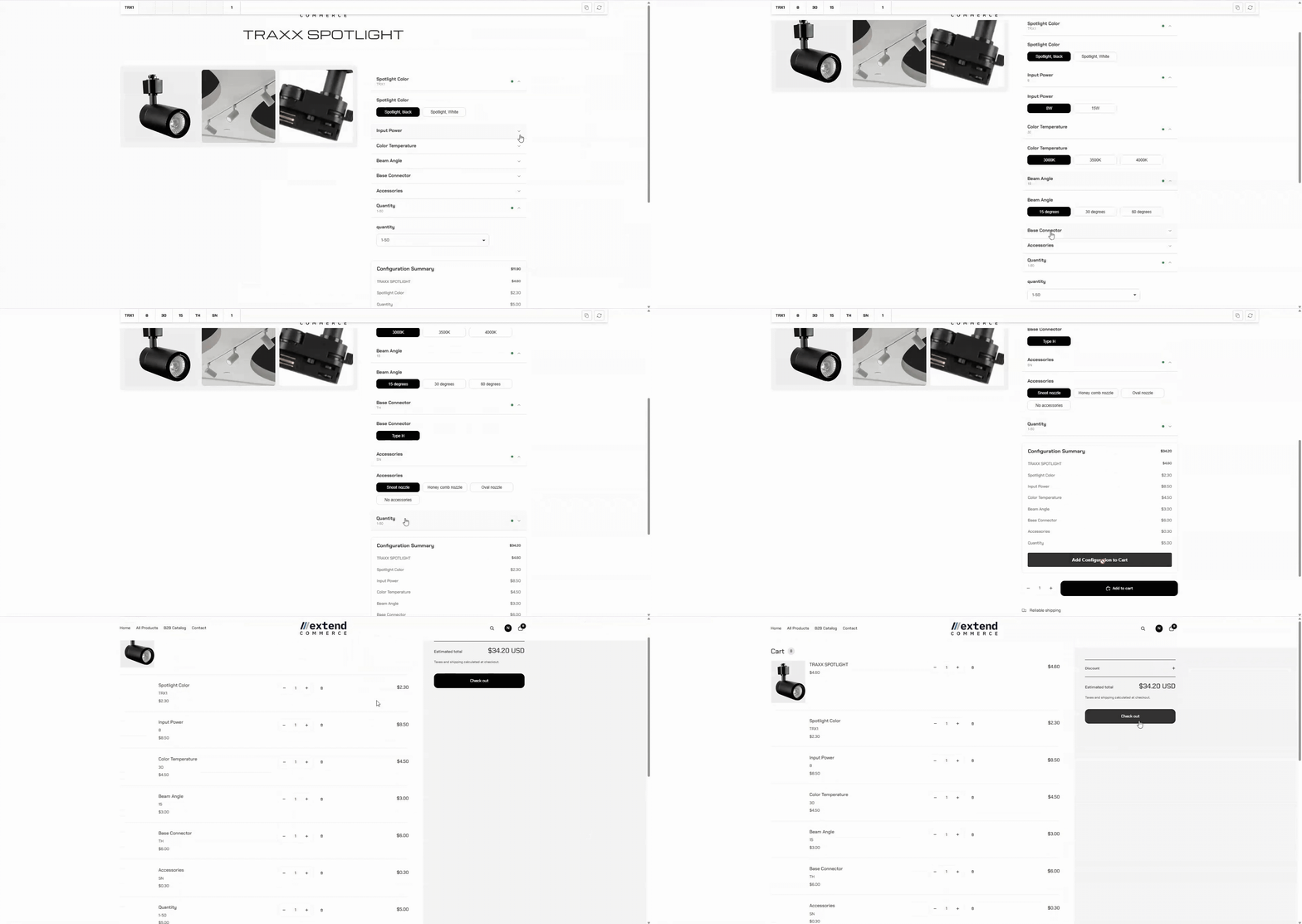
Step 1: Open Theme Customizer
- Go to Shopify Admin → Online Store → Themes
- Click Customize on your active theme.
Step 2: Add the Product Configurator Extension
- In the Theme Customizer, navigate to Product > Default Product
- Under Template > Product Information > Details > Add a block
- Select Product Configurator from the available Apps.
- Adjust placement if needed.
Step 3: Save Your Changes
Click Save to apply the configuration to your theme.Configurable Products on the Storefront
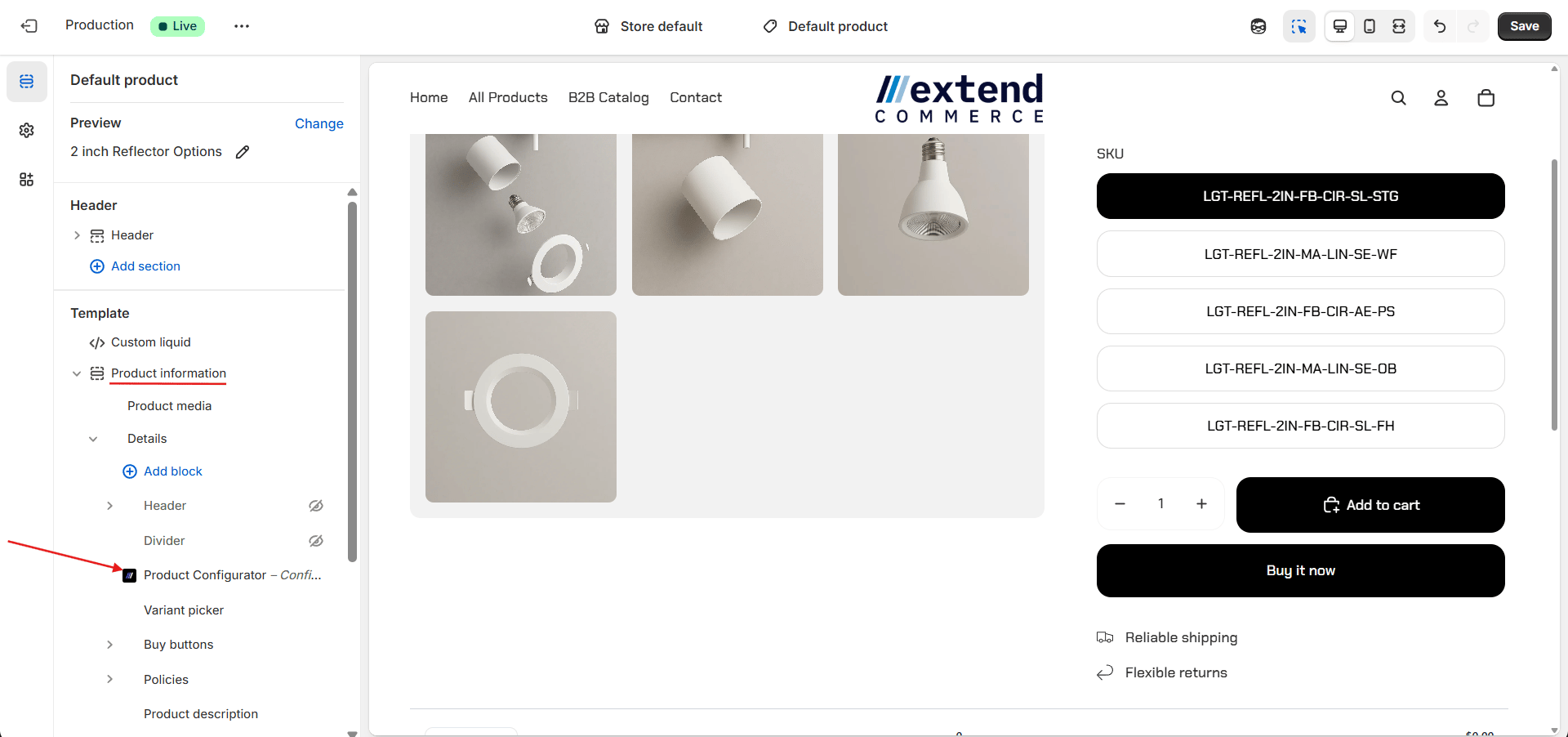
When logged-in customers visit your store, the configurable parts will be displayed on the product page, allowing them to customize the product before purchasing. Here’s how it will appear on the storefront: