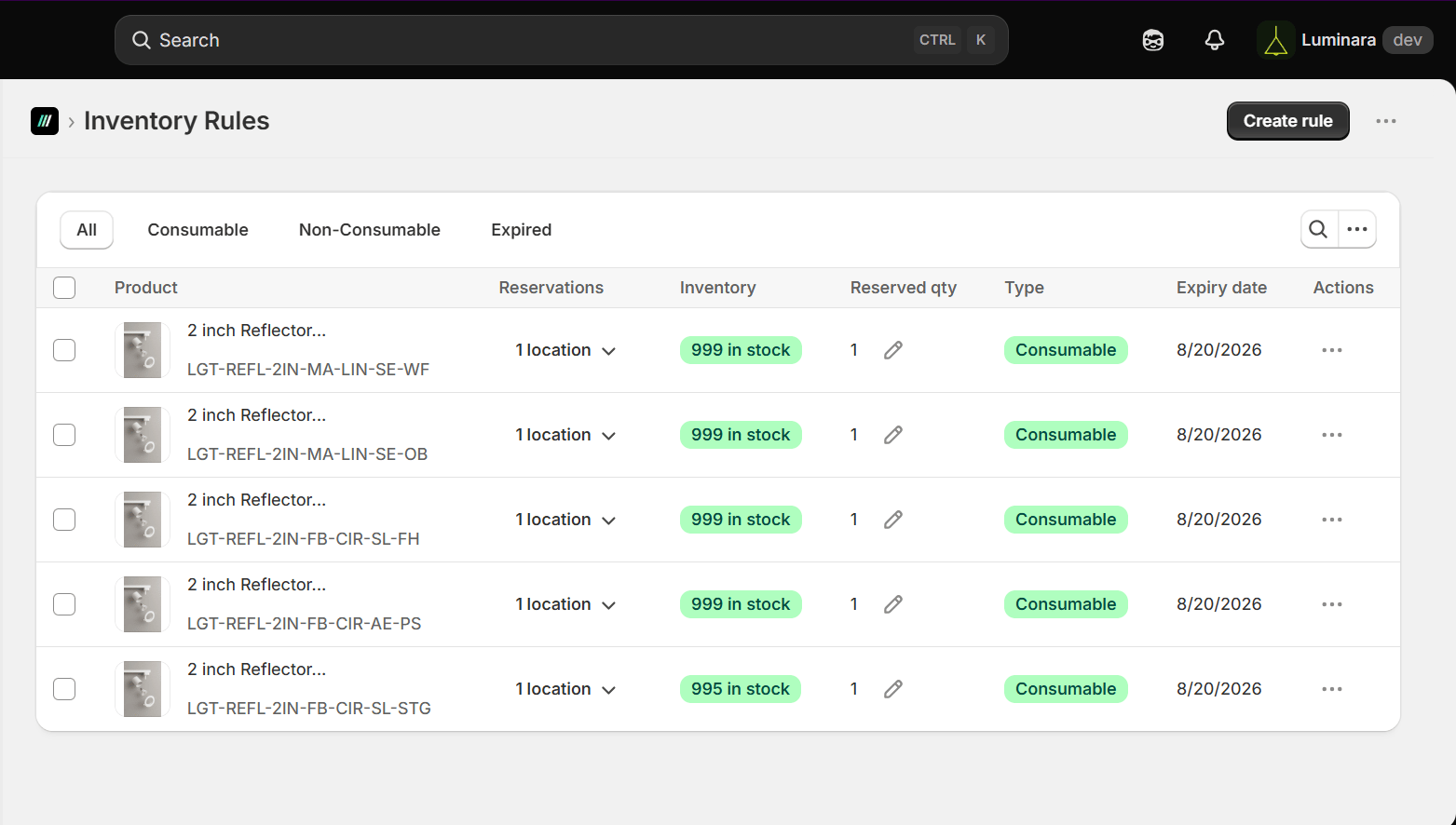
- Product, Reservations (by location), Inventory (in stock), Reserved Qty, Type (Consumable/Non-Consumable), Expiry Date, and Actions
- Filter tabs at the top: All / Consumable / Non-Consumable / Expired
Creating a New Inventory Rule
From Inventory Rules > Create rule, the flow is: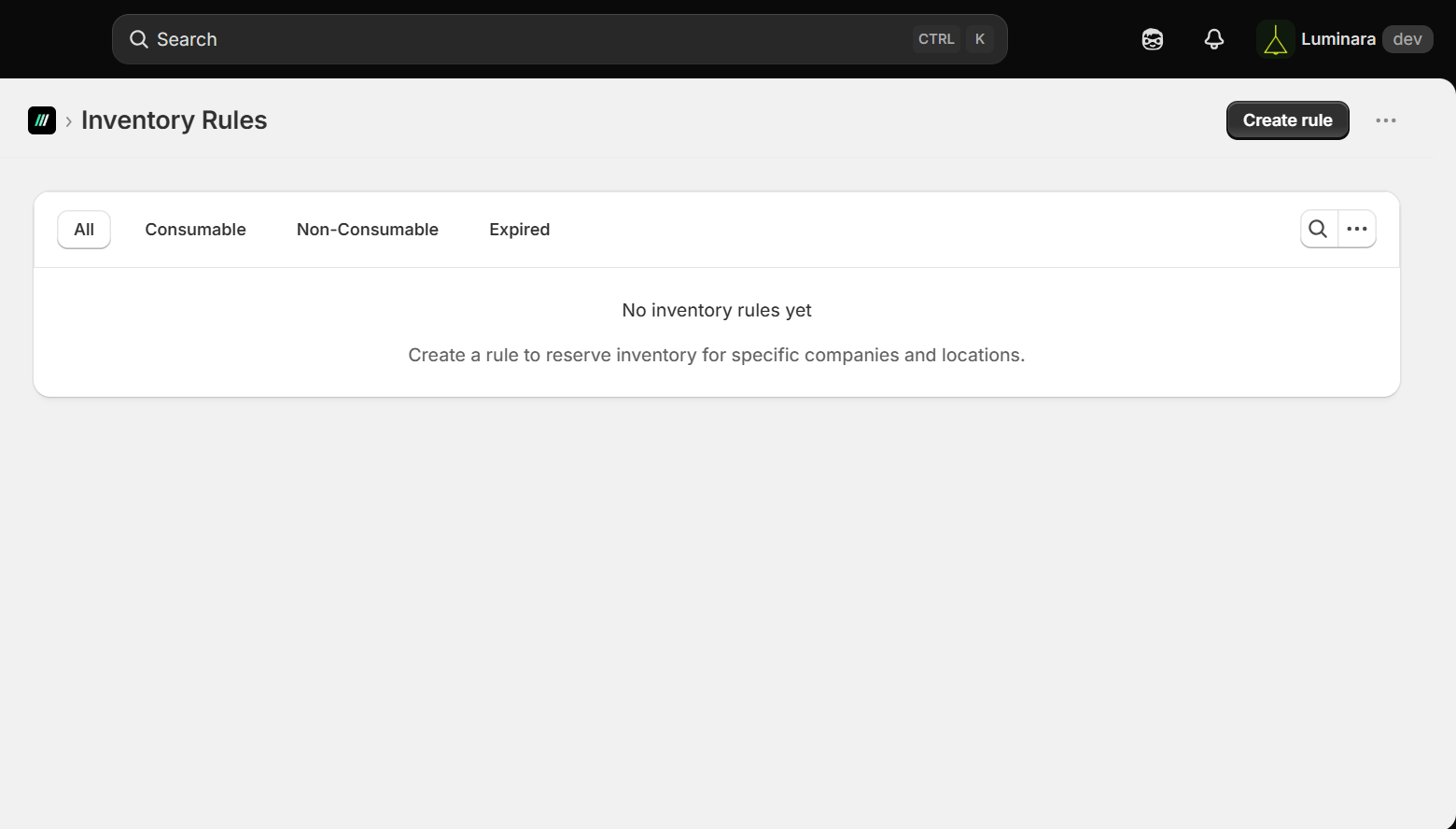
-
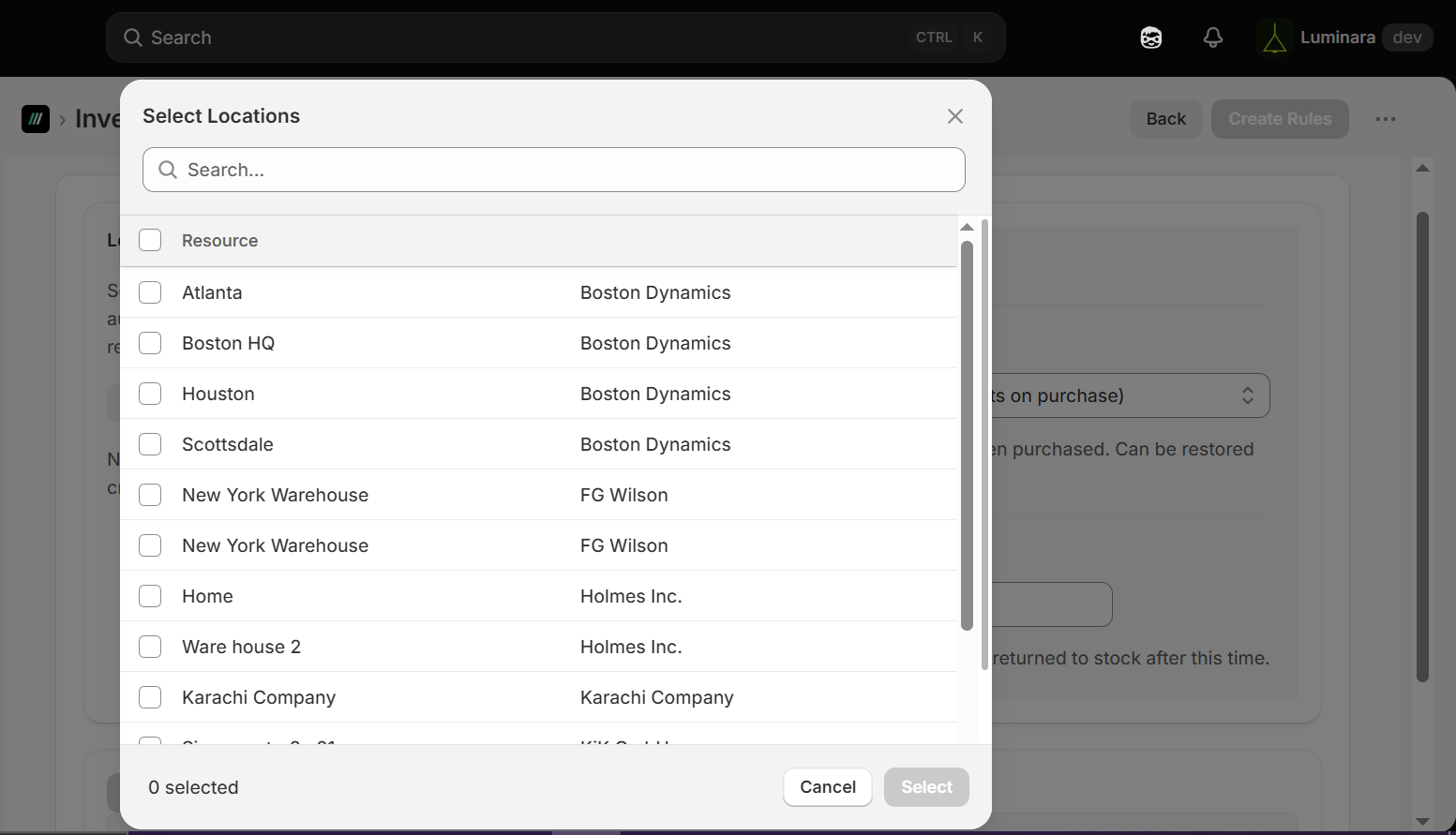
Select Locations – choose one or more company locations (the app groups these by parent company; e.g., “Company 112” and “Test-1” each with their own locations)
-
Set Reservation Type:
- Consumable (deducts on purchase) – inventory deducts when purchased, can be restored on cancellation
- Non-Consumable (permanently reserved) – inventory stays reserved regardless of purchase
-
Set an Expiration Date – reserved units automatically return to stock after this date.
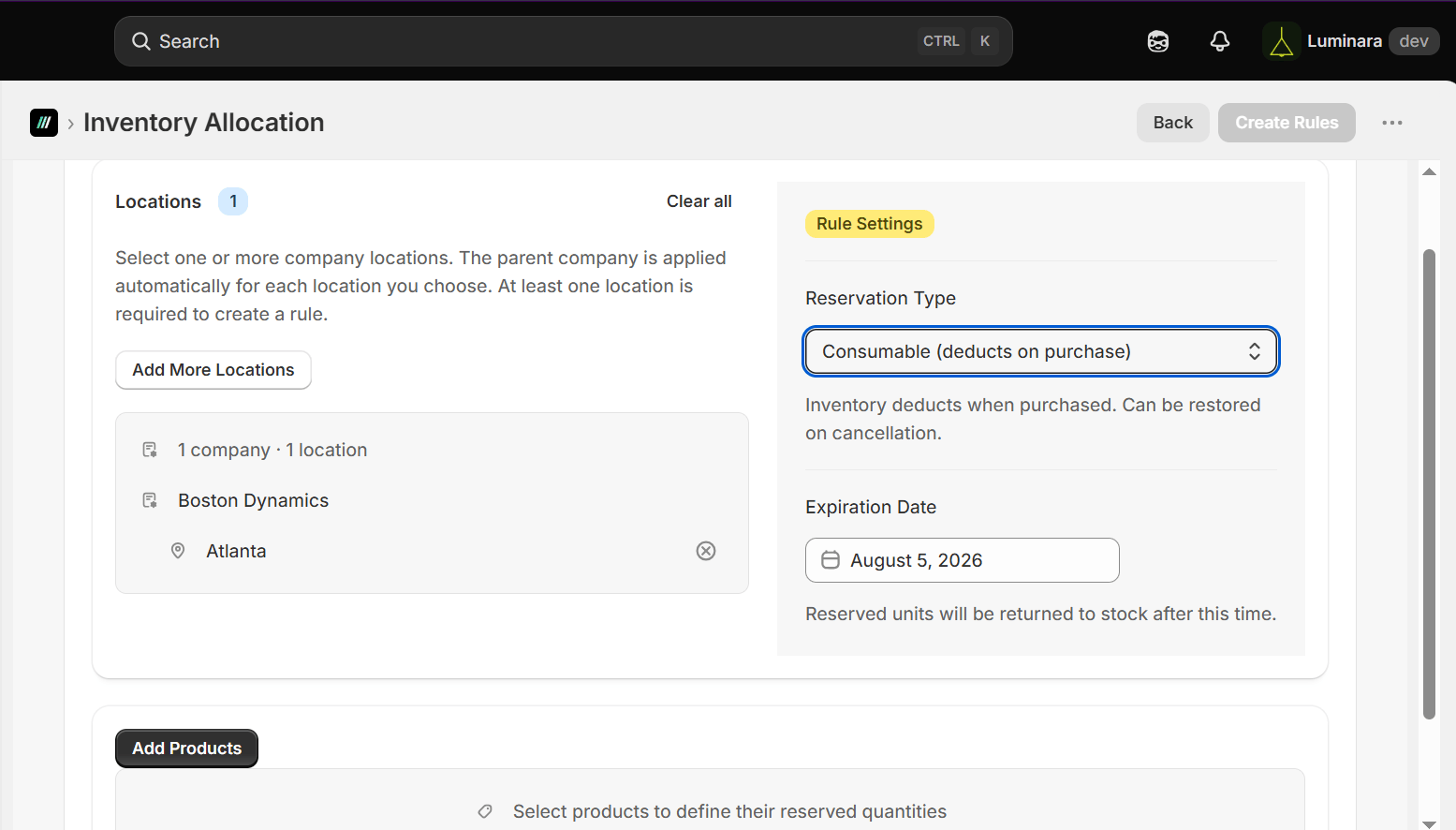
- Add Products – select which products the rule applies to.
-
Click Create Rule to save.