Selecting and Editing Addresses at Checkout
Selecting a Saved Address
- The customer proceeds to Checkout.
- In the Shipping section, scroll down to view saved addresses.
- Click to open the Address Selection Modal.
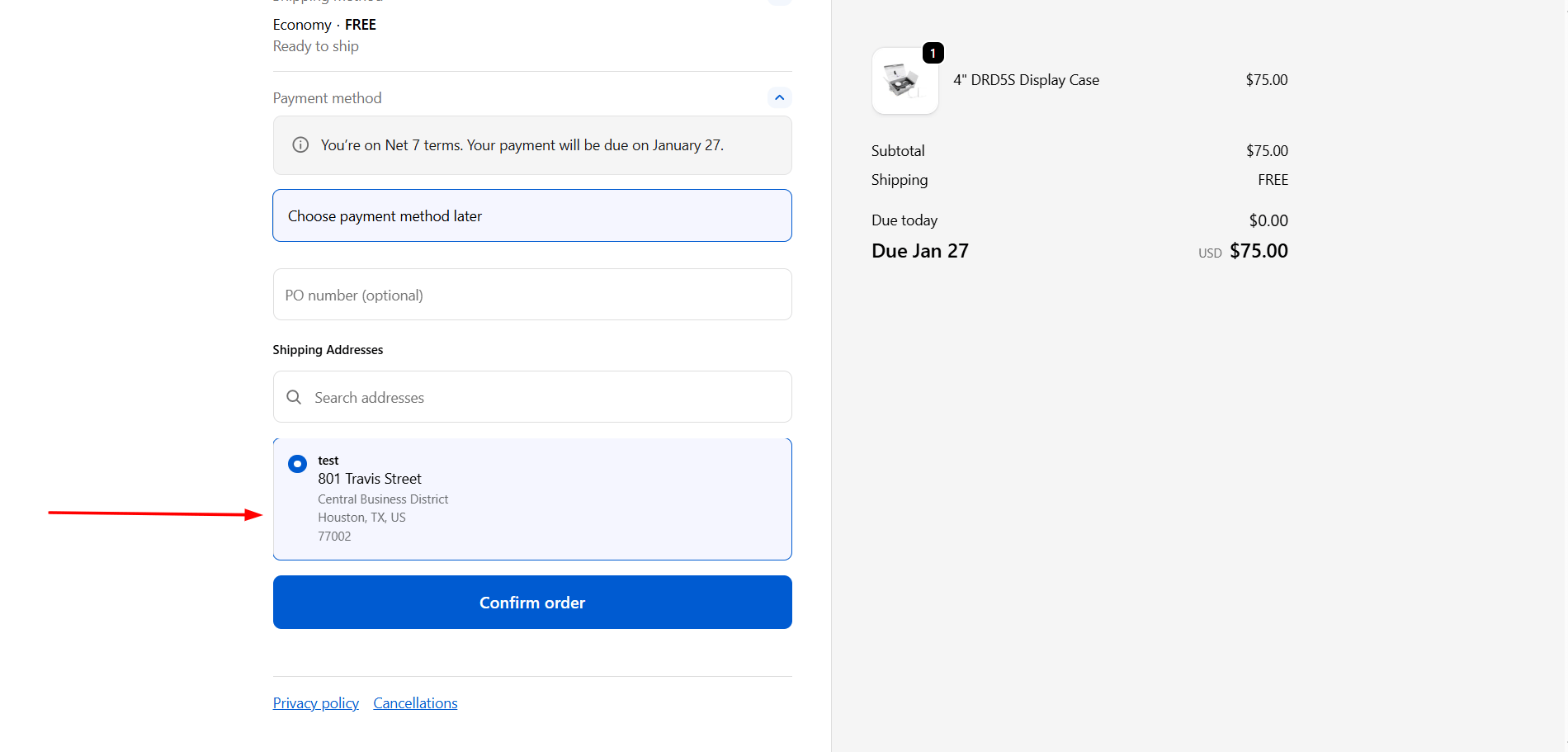
- Select any saved address from the list.
- Continue checkout as normal — the selected address is used for shipping.
Editing an Address at Checkout
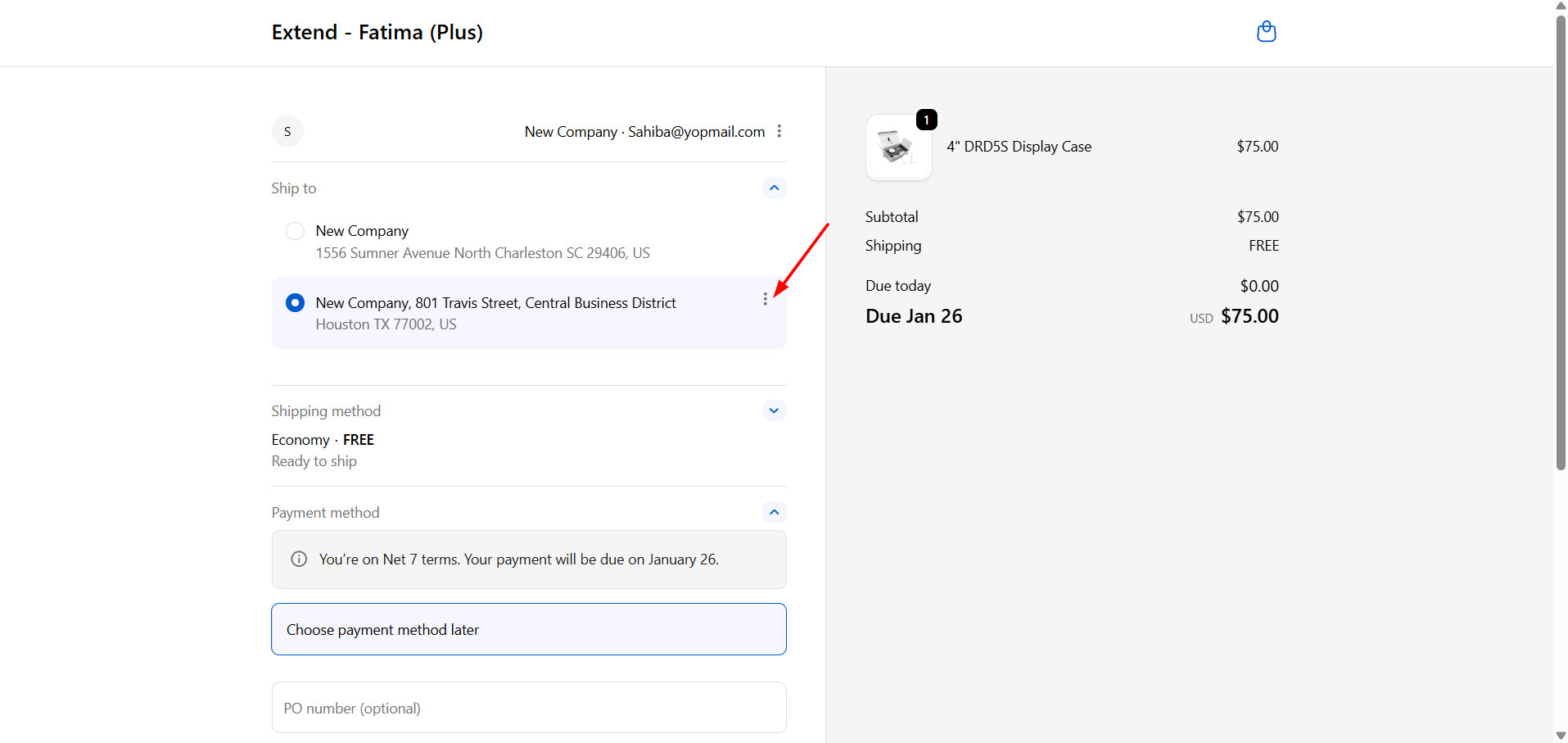
In the Shipping section, click the three-dot menu on the address you want to change.- Make the required changes to the address fields.
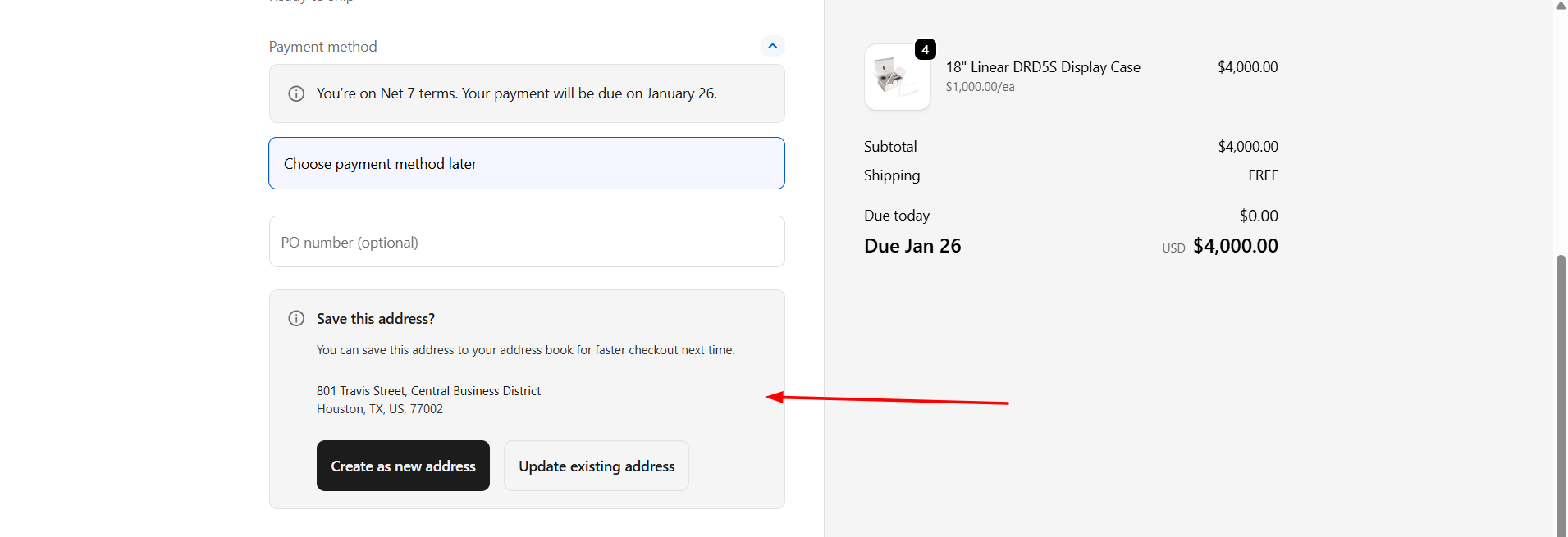
- After editing, choose one of the following options:
Option A: Create as a New Address
- Enter a new Label for the address.
- Save.
Option B: Edit an Existing Address
- Select the address label you want to update.
- Save.