Installation Guide
Step-by-step instructions to install and set up Extend Address Book on your store.
Written By Fahad
Last updated 5 days ago
Access the Shopify App Store
Log in to your Shopify admin panel and navigate to the Shopify App Store.Search for the App
Use the search bar to find Extend B2B Address Book. Or, click here to go directly to the app page.
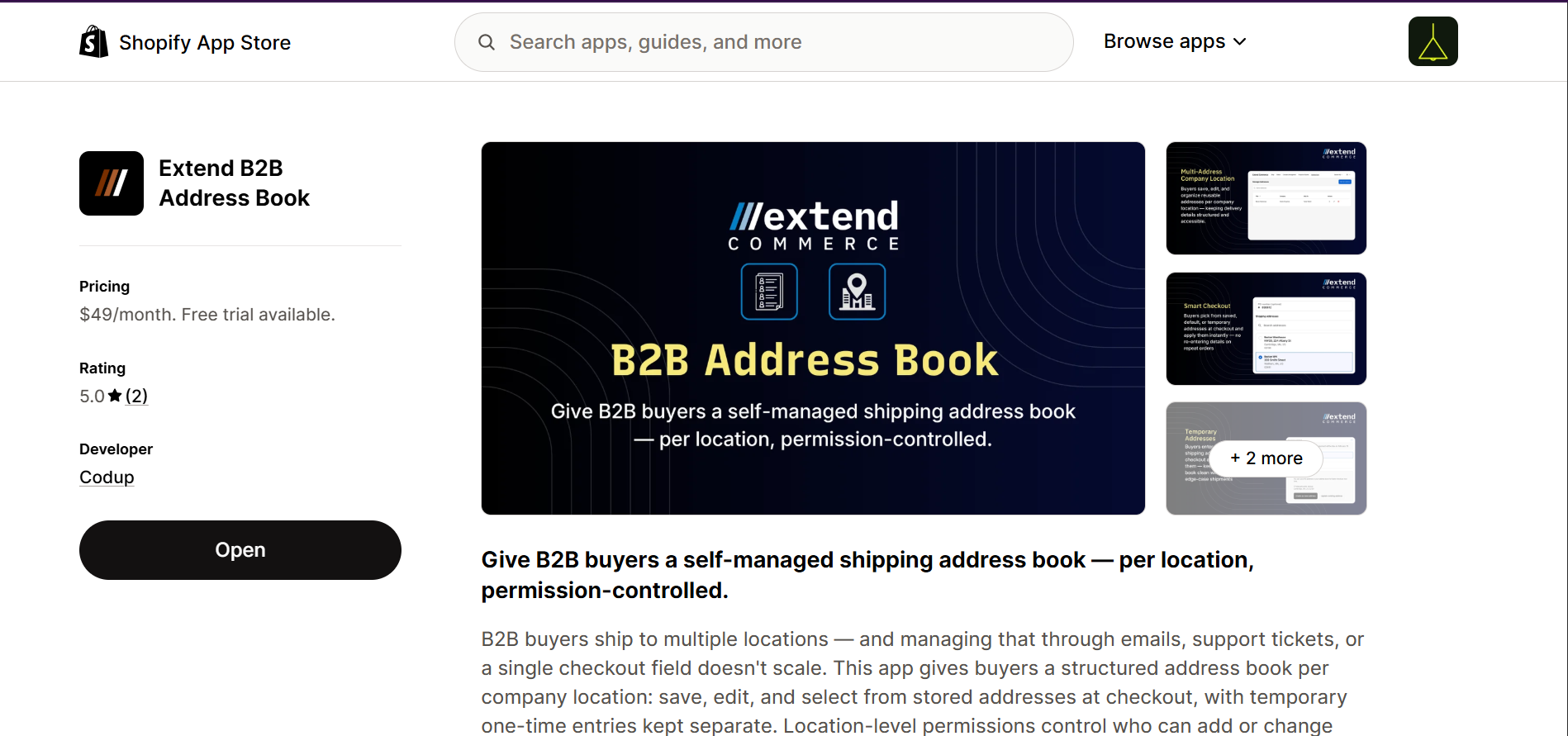
Review App Details
Read through the app description, features, and requested permissions carefully to understand how it works.Install the App
Click Install and review the permissions requested by the app. Then, click Install app to authorize and complete the installation.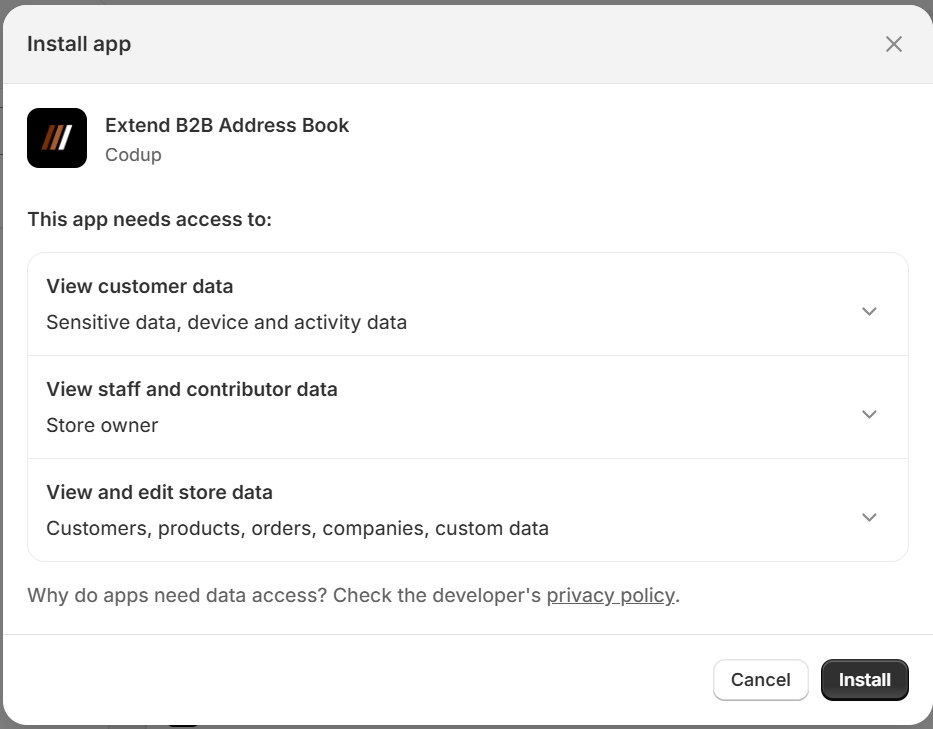
Pin the App in Shopify Admin
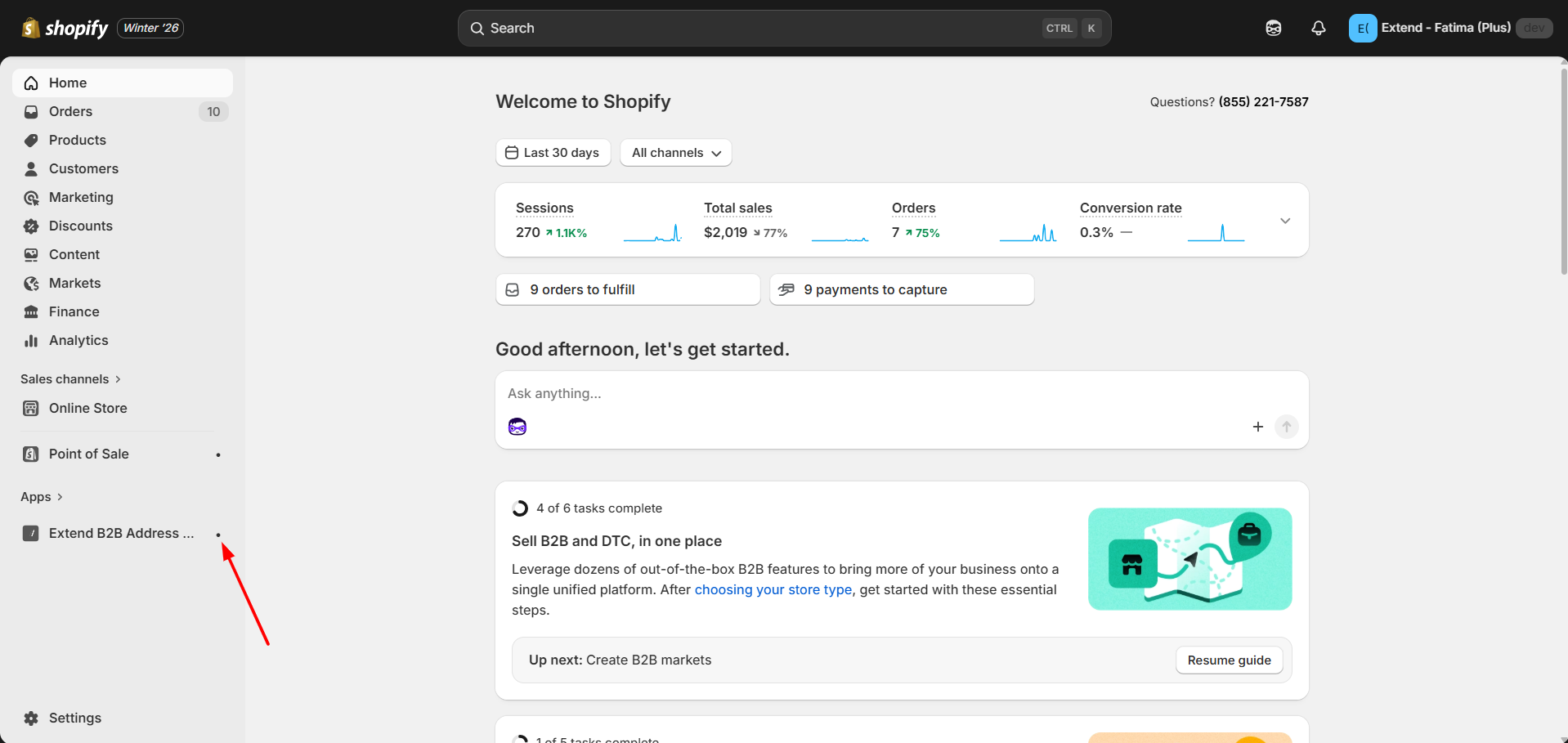
After installation, the app appears in the left-side Apps panel in Shopify Admin
Click the pin icon next to Extend B2B Address Book so it stays visible in the sidebar